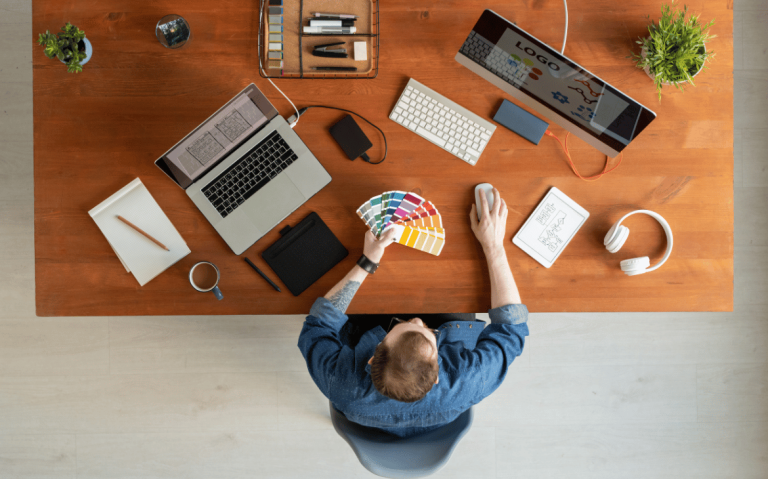
In today’s fast-paced digital landscape, collaboration is no longer a luxury—it’s a necessity. Design projects now require contributions from graphic designers, UX/UI specialists, developers, marketers, and even clients. Without effective tools to bridge the gap between these diverse roles, miscommunication and project delays are inevitable. Thankfully, collaborative design tools have transformed how creative teams operate, helping to streamline workflows, improve feedback cycles, and ensure cohesive visual outputs.
Here’s a look at some of the most powerful collaborative design tools available and how they foster stronger, more efficient creative teams.
1. Figma: Real-Time Design & Feedback
Figma is arguably the most influential collaborative design platform today. As a cloud-based tool, Figma allows multiple users to design simultaneously, leave comments directly on design elements, and view updates in real-time. Whether you’re prototyping an app interface or refining brand assets, Figma keeps the entire team on the same page—literally.
Key Features:
- Real-time editing and commenting
- Design systems and shared libraries
- Prototyping and hand-off tools for developers
Figma eliminates the need for endless versioning (“final_v2_real_final.sketch”) and simplifies feedback loops.
2. Miro: The Virtual Whiteboard for Brainstorming
Creative teams often begin projects with mood boards, mind maps, or wireframe sketches. Miro acts as a virtual whiteboard that enables real-time brainstorming across continents. Whether you’re planning user flows or organizing assets for a rebrand, Miro keeps creative energy flowing freely.
Key Features:
- Templates for user journeys, Kanban boards, and flowcharts
- Sticky notes and voting for idea prioritization
- Integration with Slack, Figma, and more
Miro promotes visual thinking and collective ideation, which is critical for strong creative output.
3. Notion: One Hub for Documentation and Design Strategy
Design isn’t just visuals—it’s strategy. Notion provides a flexible space where teams can document creative briefs, brand guidelines, meeting notes, and project timelines. It serves as the single source of truth and helps align stakeholders on design goals and priorities.
Key Features:
- Rich text editing and embedded media
- Customizable databases for asset tracking
- Collaboration with comments and mentions
Notion empowers design teams to stay organized and intentional.
4. Slack: Communication That Doesn’t Interrupt Flow
While Slack isn’t a design tool per se, it’s integral to successful collaboration. Its real-time messaging system allows for swift clarification, file sharing, and integration with other creative tools (Figma, Trello, Asana). You can keep feedback contextual, centralized, and searchable.
Key Features:
- Channel-based organization
- Integrated apps for design updates
- GIFs, emojis, and reactions for humanizing feedback
Slack reduces email clutter and fosters faster decision-making.
5. Adobe Creative Cloud Libraries: Asset Consistency Across Teams
For teams using Adobe tools, Creative Cloud Libraries ensure brand consistency and efficient asset sharing. Designers can save logos, color palettes, and typography styles that sync across apps like Photoshop, Illustrator, and XD.
Key Features:
- Cloud-synced design elements
- Team sharing and permissions
- Real-time updates to shared assets
It’s perfect for large teams maintaining a cohesive visual identity.
Conclusion
The best design work doesn’t happen in isolation. Collaborative tools like Figma, Miro, Notion, Slack, and Adobe Creative Cloud Libraries not only enable better communication but also foster a more inclusive and efficient creative culture. By leveraging these platforms, design teams can create faster, collaborate smarter, and deliver more impactful work—together.