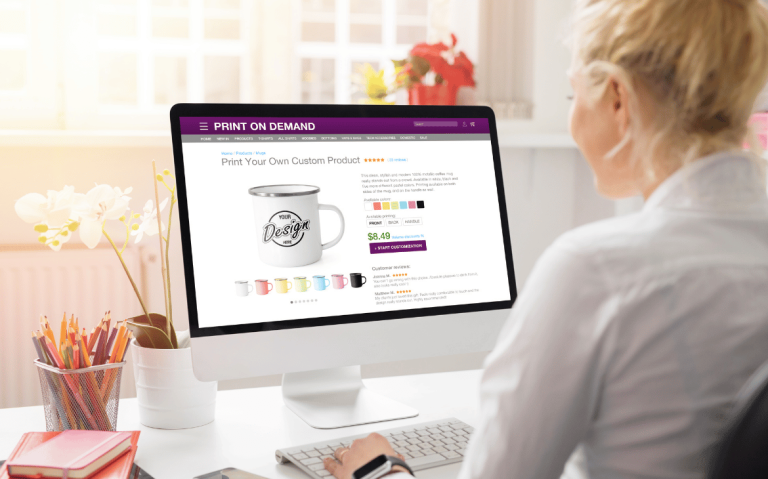
In 2025, web design has evolved beyond simple layouts and static pages. With users expecting clean, organized, and responsive experiences, grid layouts have become the backbone of modern web design. They provide a structured framework for aligning elements, creating visual balance, and enhancing usability — making them essential for UI/UX designers.
Whether you’re designing a portfolio website, e-commerce store, or corporate platform, mastering grid systems allows you to create visually appealing, user-friendly, and scalable designs.
Why Grid Layouts Matter in Web Design
Grids provide structure and harmony, ensuring that every design element fits logically within the page. Without a proper grid, websites can look cluttered, making it harder for users to navigate and engage.
Benefits of grid layouts:
- Creates a balanced visual hierarchy
- Enhances readability and user experience
- Improves design scalability and responsiveness
- Ensures consistency across pages and devices
- A well-structured grid helps users focus on content while enabling designers to maintain creative flexibility.
2. Types of Grid Layouts
a) Fixed Grid
- Uses set pixel values for columns and gutters
- Best suited for desktop-first designs
- Provides precise alignment but less flexibility
b) Fluid Grid
- Uses percentages instead of fixed units
- Adapts seamlessly to different screen sizes
- Ideal for responsive web design
c) Modular Grid
- Uses evenly spaced horizontal and vertical modules
- Perfect for image-heavy layouts, like portfolios and galleries
d) Hierarchical Grid
- Flexible, creative grids based on content priority
- Used in magazine-style designs and storytelling websites
By choosing the right grid type, designers can optimize layouts for various content structures and devices.
3. Best Practices for Mastering Grid Systems
1. Define Your Columns and Gutters
- Choose the right number of columns based on the platform
- Maintain consistent spacing to ensure a clean structure
2. Use Visual Hierarchy
- Highlight key sections with larger modules or bold typography
- Guide the user’s eyes naturally from top to bottom
3. Design Mobile-First
With mobile usage dominating 2025, start with a mobile-first approach using flexible fluid grids that scale effortlessly across devices.
4. Combine Grids with Whitespace
- Use whitespace strategically to avoid clutter
- Make designs clean, breathable, and visually appealing
4. Tools to Create Perfect Grid Layouts
- Figma & Adobe XD → Advanced grid templates for UI/UX
- Bootstrap & Tailwind CSS → Predefined responsive grid systems
- Webflow → No-code platform with built-in grid customization
- Sketch → Ideal for pixel-perfect, grid-based layouts
These tools simplify grid implementation while maintaining creative control.
Final Thoughts
In 2025, grid layouts are the secret to achieving balanced, consistent, and responsive web designs. They help create a seamless user experience, maintain visual harmony, and allow designers to focus on creativity without losing structure.
By understanding grid types, applying best practices, and using the right tools, you can design websites that are organized, scalable, and visually stunning.